


Free Room Decoration Games for 2026: 10 Picks to Try
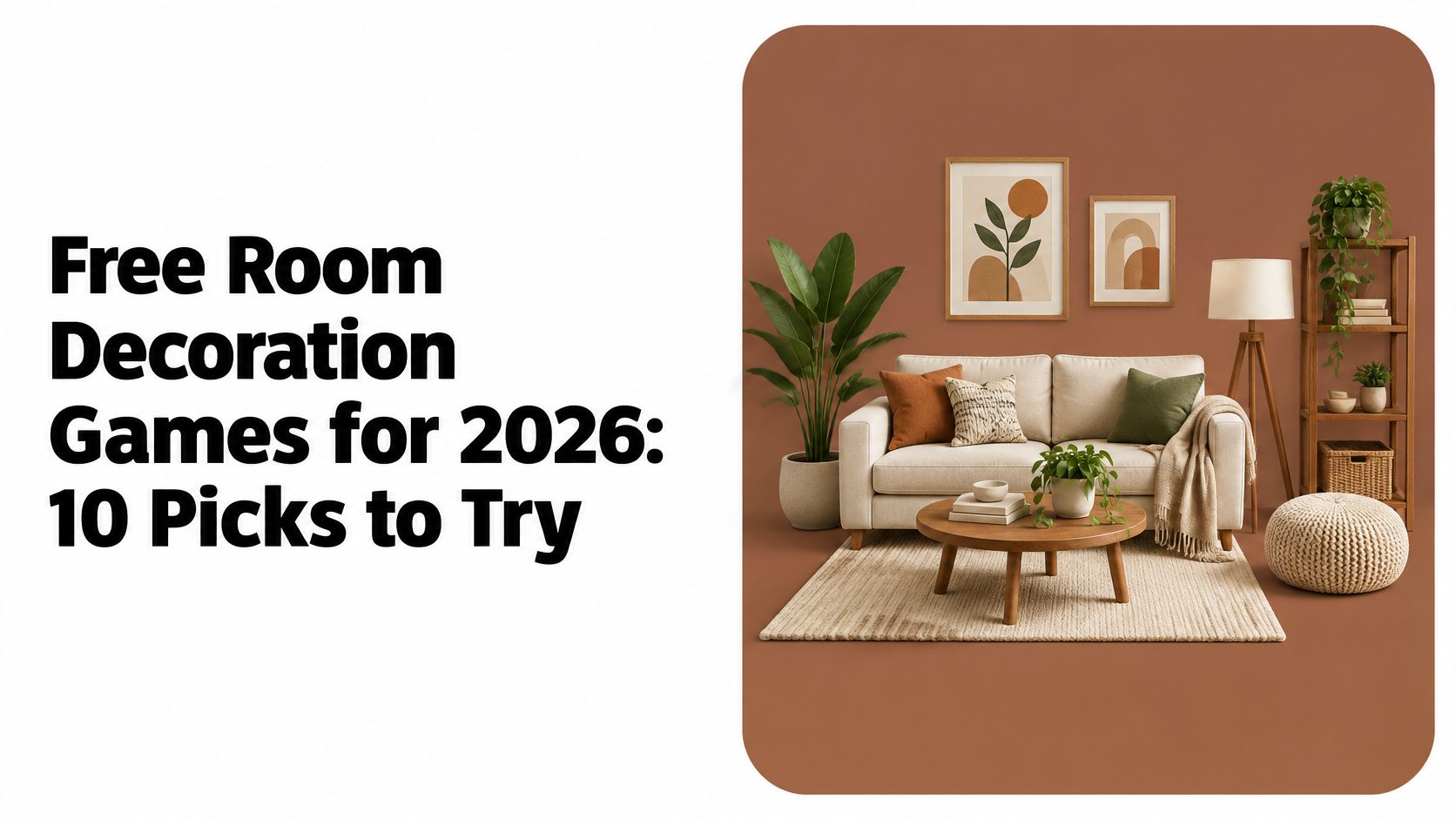
The sofa is against the wrong wall, and you can see the better arrangement in your head. You'd rather test it somewhere that costs nothing before you start pushing real furniture around a real room, and you don't want another download, another password, another profile you'll abandon by Friday.
That's the case for free room decoration games that open in a browser tab. Browser play is mainstream now: a Newzoo and Google study based on roughly 7,500 monthly players across eight markets found that 46% of online consumers aged 13 to 55 had played a browser game during the previous month, and 83% of browser-game players used a smartphone to play, as freegamesonline.com's summary of the browser game study reports. Few of those titles involve decorating, but the habit is firmly established.
So this comparison sticks to four questions that decide whether a game is worth opening: does it run in a browser, does it ask for an account or a download, where does your work get saved, and what does the free version leave out? Style matters, but those four decide whether a quiet half hour ends with a saved room or a lost one.
Table of Contents
- 1. Cozy Cube
- 2. Room Designer: Kiloo
- 3. Cozy Room Design: Poki
- 4. Dream Room: Zaib
- 5. Design With Friends
- 6. Roombox Design: Fairy Room
- 7. Miniature Room Maker
- 8. The Sims 4
- 9. Design Home
- 10. Habbo
- How the free room decoration games compare on access, platform, and saving
- Choosing the Right Room for Your Style
1. Cozy Cube
Cozy Cube is the clearest fit for a browser-tab evening. It's a pixel-art decorating game from J&C Studio that runs at cozycubegame.com with no download and no account, so the first session opens on an empty room instead of a signup form. Browser play suits the genre: after Adobe ended support for Flash Player on December 31, 2020, HTML5, JavaScript, WebGL and WebAssembly became the technical base for the category, and one market analysis estimated those open-web standards represented 90.0% of browser-game revenue in 2025, growing at about 7.0% a year (Stats N Data's HTML5 games market report).
What the free room lets you do
In the Free Edition you arrange a selection of furniture, then soften the space with plants, decorations and a cat. Pieces move and rotate until the fit looks right, and you can view the room from different angles as the layout changes. The room preview also lets you swap three wall options (Green, Beige, Blue) against three floors (Check, Green floor, Wood floor), enough variety to test a palette before committing to it. When a room feels finished, sharing sends it to a friend.
Saving, and what the Full Game adds
Your room saves on the device you're playing on rather than in an account. Clearing browser data wipes it, so keep a backup if you ever need to move or recover the room.
Worth knowing: one room and a defined furniture set keep the free version focused. That focus is also its ceiling.
The Full Game is in development as a one-time purchase, planned with connected rooms, more furniture collections, broader customization and a much wider variety of pets that includes cats, dogs, birds and fish. A quiet greenhouse filled with plants is among the spaces it adds. Price, release date and final contents haven't been announced. An email signup carries launch news, optional content packs may be sold separately later, and both editions are set to receive regular updates, with more new content going to the paid version.
Website: cozycubegame.com
2. Room Designer: Kiloo
Room Designer from Kiloo is the closest thing here to a physical dollhouse. It runs in a browser with no signup, presents the room in an isometric view, and starts you with a choice of three room shapes before you pick wallpapers, floors and color tints.
The isometric view keeps the whole room visible while you work. 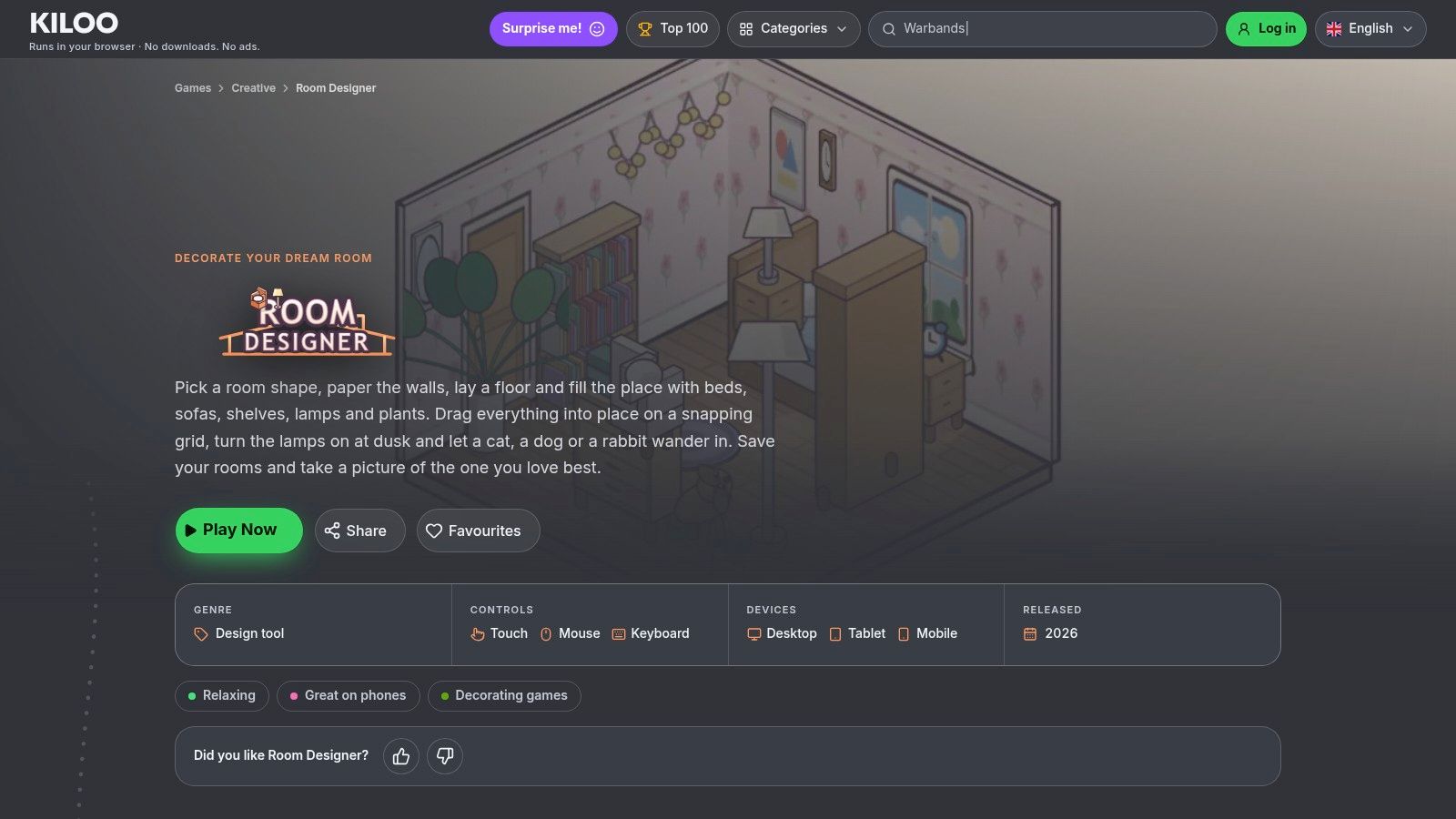
Furniture, plants and decorations snap to a grid, rotate, and stack, so smaller objects sit properly on tables and shelves. Undo and redo make a bad idea cheap to test, and a cat, dog or rabbit plus evening lighting finish the scene. Rooms save in the browser, and you can export an image for someone who doesn't play.
Where it asks for patience
Grid placement is tidy rather than flexible. A sofa at an odd angle, or a rug half under a bed, fights the grid in a way a 3D sandbox wouldn't. Browser-local saves also don't follow you to another device, and there's no story or progression, just the room.
Accessibility deserves judging as a feature, not a footnote. A 2026 industry synthesis reports that roughly half of Call of Duty: Black Ops 6 players opened the accessibility menu, and developers had completed accessibility questionnaires for more than 22,000 Steam apps by January 2026, up from more than 5,000 in July 2025 (VoxBooster's game accessibility statistics roundup). A visible undo button and touch-friendly drag targets do more for comfort than most settings menus.
Website: kiloo.com/games/room-designer
3. Cozy Room Design: Poki
Cozy Room Design by Entrevero Games, hosted on Poki, suits the evenings when you want to furnish a room in minutes. You add furniture, windows, carpets and wallpaper, drag pieces around, then adjust colors until it reads the way you pictured it.
Rotating and removing pieces takes a click or a tap, cats and dogs can move in as residents, and designs save inside the game. It plays in the browser on desktop, phones and tablets, which matters because mobile and tablet devices represented 62% of browser-game revenue in 2025 in one market estimate (DataIntelo's browser game market report). Player ratings on its Poki page run high, and the controls explain themselves inside the first minute.
The honest limits
It's compact. You furnish one room and that is the whole scope, so it makes no attempt to work as a planning tool for a real renovation. It also lives on Poki rather than the developer's own site, and there's no clear answer on how portable a saved design is or how long it stays. Treat it as a pleasant way to spend twenty minutes rather than an archive of your work.
When you finish early and want something else to open, this list of browser games to play when you're bored covers the same low-friction territory.
Website: poki.com/en/g/cozy-room-design
4. Dream Room: Zaib
Dream Room gives decorating a brief and a score, which changes the pleasure of it. Instead of an empty room and no direction, you get a client who wants a particular style, palette and budget, plus a list of items the room must include.
How the structure works
The campaign is organized into themed client chapters, and a daily brief rotates in alongside them. You choose and position furniture, walls, floors and art to match each request, then spend the stars and coins you earn on personal rooms, sticker scenes and studio upgrades. It runs in a browser with no signup and no installation, so the cost of trying it is one tab.
Progress saves on the device, which is the main caveat. A room finished in one browser may not appear in another, so finish anything you care about in one sitting and on one machine.
The daily format suits how people play in a browser. Research cited by MCV/Develop reports that 37% of surveyed gamers play web games multiple times per day, while CrazyGames data in the same report puts average session duration at about 30 minutes (MCV/Develop's reporting on browser game engagement). A short daily task fits that rhythm better than a long campaign does.
Practical rule: if Dream Room won't start, check whether your browser or an extension is blocking scripts before you blame the game.
The trade-off is openness. Briefs and scores motivate when you want direction and constrain when you just want to move a lamp. If you prefer arranging a room on your own terms, the scoring will feel like homework on the days you only want to decorate.
Website: zaibgames.com/dream-room
5. Design With Friends
Design With Friends is a design platform wearing a game's clothes. You build rooms in 3D from a catalogue of real furniture and decor, then browse what everyone else has made, remix a room you like, enter daily themed challenges, vote, and watch the leaderboard move. Free browser access with no signup or installation is advertised, and there's a mobile app as well.
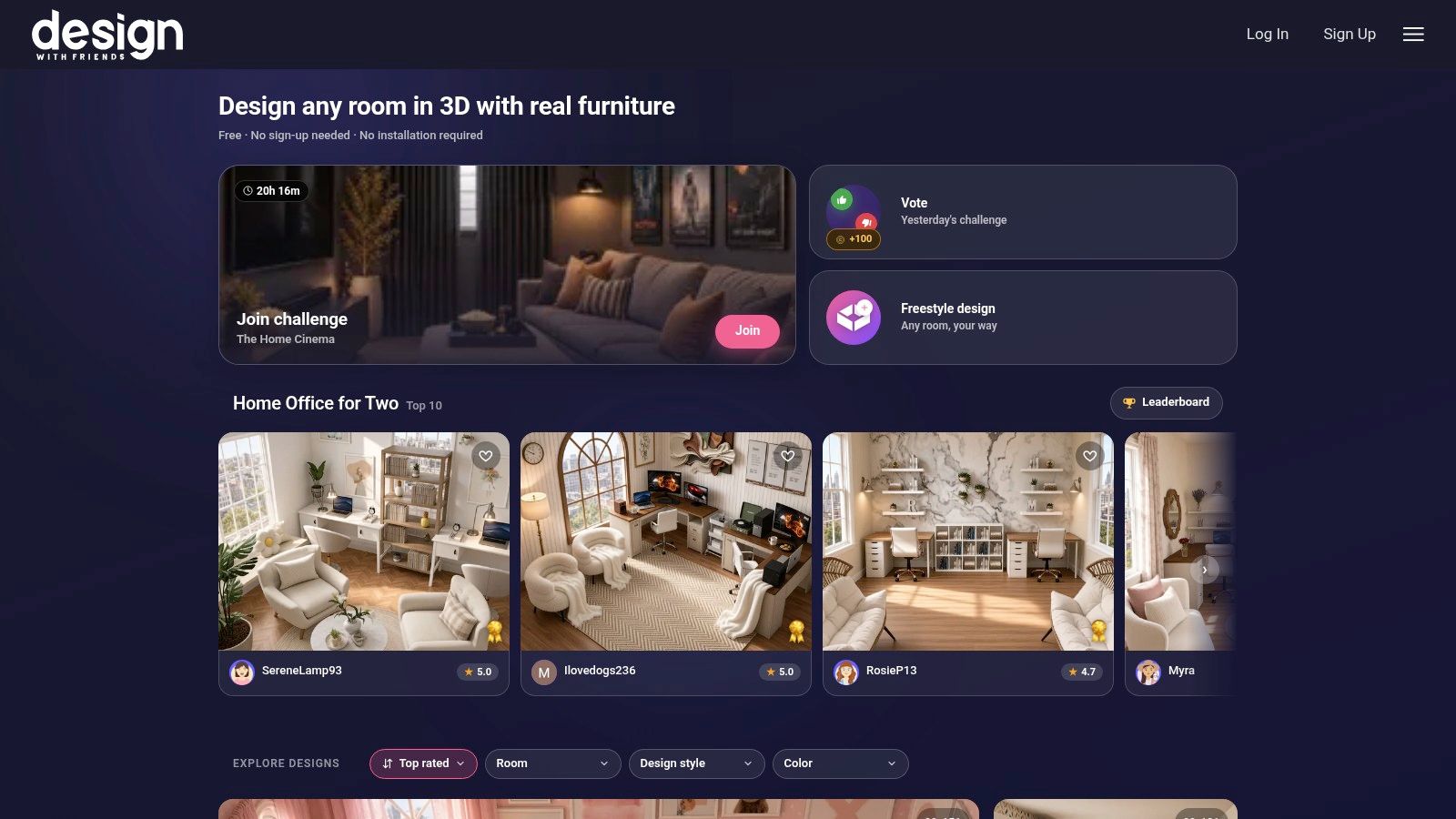
Where the social layer helps and hurts
Community rooms are the fastest cure for a blank-page feeling. Seeing how someone else handled an awkward corner teaches more than a tutorial, and the product catalogue lets you chase a look you could buy.
The same features add pressure. Recent research on cozy-game players found that agency was one of the strongest reported motives, scoring an average of 5.80 (an Eludamos journal study of cozy game players). A leaderboard is the opposite of agency, because someone else decides whether your room placed. If decorating is how you wind down, private building may suit you better than the challenge feed.
It's also less cozy than it looks. The interface, the product focus and the competitive framing read as interior design tool first, game second. That's a feature for inspiration hunters and a mismatch for anyone who wants a quiet room and a plant in the corner.
Website: designwithfriends.com
6. Roombox Design: Fairy Room
Roombox Design on Fairy Room is the simplest thing on this list, and that's the pitch. You get an empty space, choose a wall style and a floor style, add windows, then furnish it with beds, sofas, wardrobes, carpets and paintings.
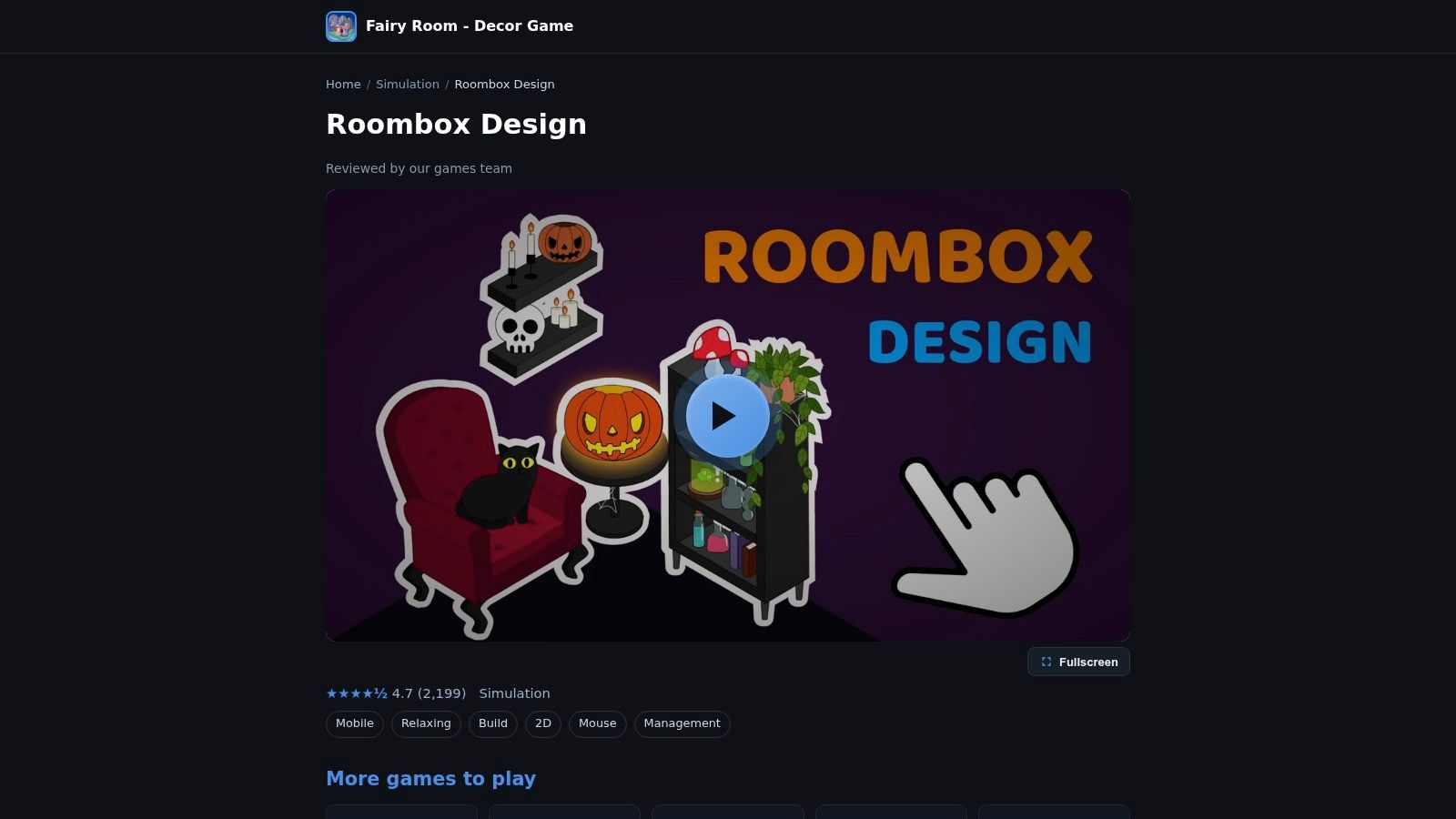
Items move, rotate and delete with a mouse or a touch control, so a phone works as well as a desktop, and there's a pet option for company. No timer, no score, no client waiting on a budget. You stop when the room looks right.
The catalogue is smaller than what deeper design games offer, and the 4.7 score on the page rests on a modest number of ratings.
That's the honest caveat: a tidy score from a small sample tells you people liked it, not how many people. Details about saving and long-term support are thin, so don't build a months-long project on it. For a relaxed twenty minutes on a phone, none of that matters.
Website: fairyroom.web.app/roombox-design
7. Miniature Room Maker
Miniature Room Maker scratches a different itch: dioramas rather than floor plans. The free browser demo lets you furnish miniature room scenes, try styles, arrange decor, add a companion, keep designs in a room journal, and download photos of finished rooms.
Demo versus full game
The free version is a demo, not the complete Studio Edition, so expect a more limited collection than the paid desktop version offers. The journal and photo downloads are the draw. They turn decorating into something you can look back on rather than a room you abandon when the tab closes.
Watch the saves: browser saves here are local. Clearing browser data or switching machines can take a finished room with it.
If miniature scenes are the appeal, try the demo first and decide about the paid edition afterward. That ordering is the demo doing its job, and it's a better habit than buying first and hoping.
Website: pixelrespawn.itch.io/miniature-room-maker
8. The Sims 4
The Sims 4 is the outlier. It's a full life simulation where Build/Buy mode happens to be one of the most capable room-decorating tools you can get, and the base game is free to play. You can spend an evening resizing rooms, choosing wallpaper, flooring, lighting and furniture, then stop before a single Sim moves in.

Rooms can be built and resized, whole houses assembled, and finished builds shared through the Gallery. It runs on PC, Mac and consoles, so the same room can travel with you.
The costs are real:
- Hardware and installation: it needs a download and a computer or console that can run it, so there's no tab-and-go option.
- Packs: many add-on packs are paid, and a good share of the best furniture sits inside them.
- Pace: the life-sim systems around the decorating make it slower to reach a finished room than a browser game is.
None of that makes it worse, just different. It's the pick when decorating matters enough to install something.
Website: ea.com/games/the-sims/the-sims-4
9. Design Home
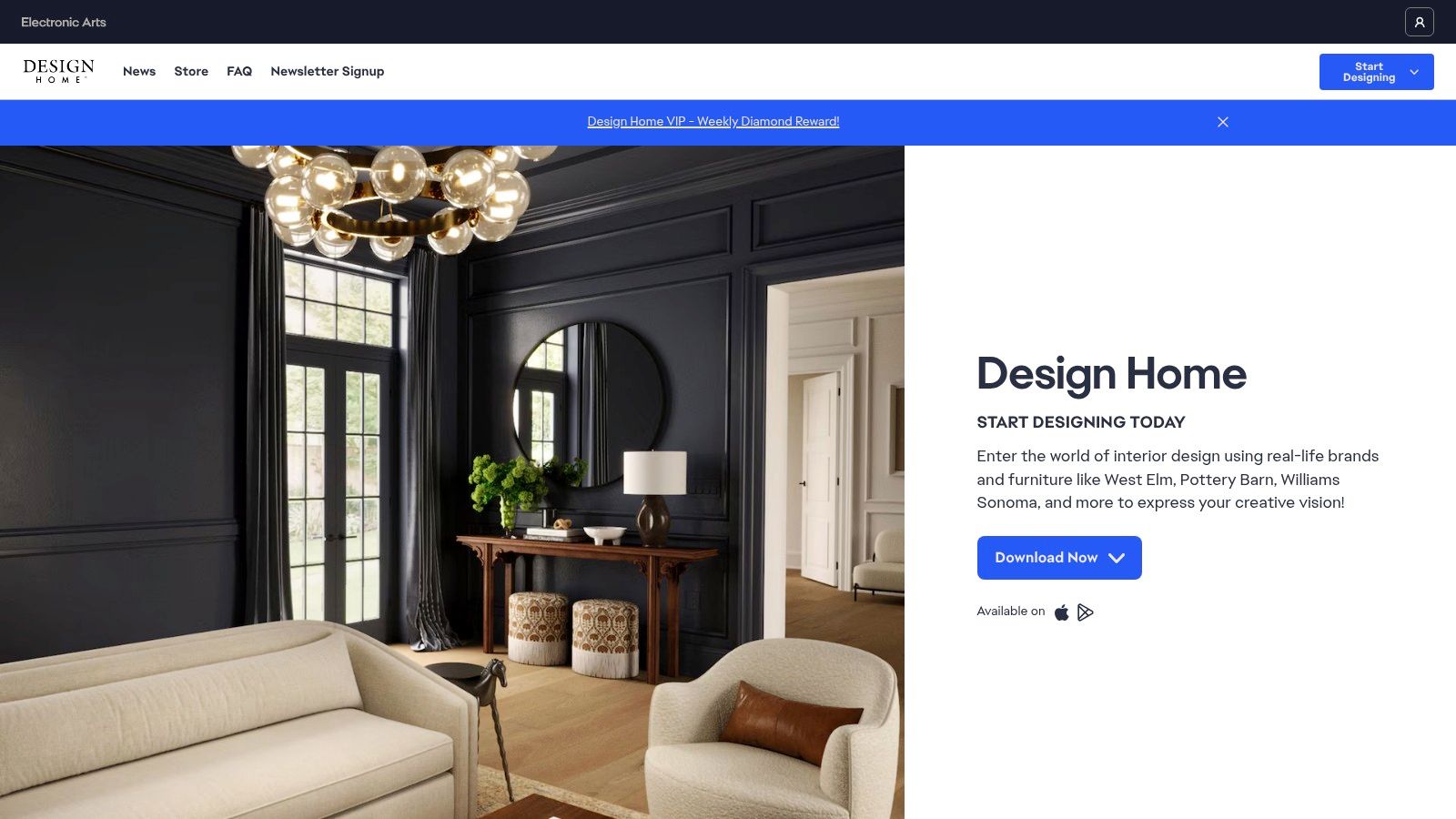
Design Home takes the opposite approach to browser play. It's a mobile app for iOS and Android, free to download, built around furnishing 3D rooms with furniture and decor inspired by real brands. You complete themed design challenges and follow seasonal trends as you go.
What it's good for
The brand catalogue is the point. If you've wondered how a certain style of sofa reads in a room, the app gives you a rough sense before you shop, and the challenges supply a prompt for people who freeze in front of an empty space.
Two things to know before installing:
- It's an app, not a tab: it takes a download and lives on your phone.
- Purchases are part of the design: in-app purchases are available, and desirable items often run through in-game currency systems.
Challenge-based furnishing is also less open-ended than unrestricted decoration, because the theme decides a lot before you place anything. For a phone-first player who likes real furniture and structured prompts, that's a fair trade. For someone who wants a quiet browser session, it isn't the same thing at all.
Website: ea.com/games/design-home
10. Habbo
Habbo is a social virtual world first and a decorating game second, though the decorating is what keeps people there. You create an avatar, build and furnish a room, then invite other players in. Joining is free, and the pixel-art visuals have aged better than most virtual worlds of their era.
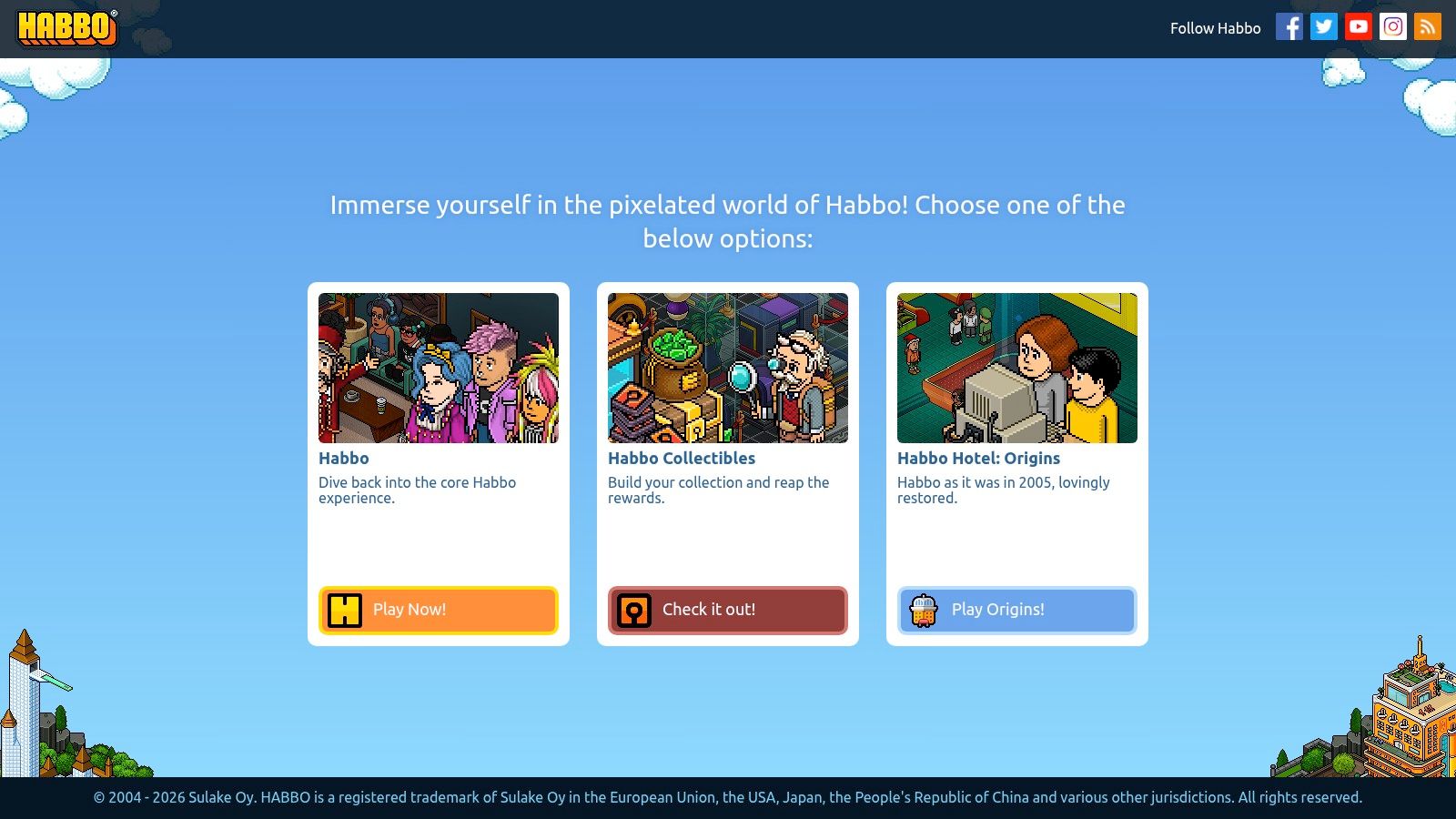
The furniture economy is where the limits show. Not all furniture is free; decor, pets and membership extras may be bought with Habbo Credits, so a fully furnished room can cost real money. It also requires account-based play by design, and the social layer is the whole point, since rooms exist to be visited.
Who it suits
Someone who wants a decorated space to have an audience gets more from Habbo than from any single-player browser game. Player-made rooms are a steady source of ideas, and events give a reason to log back in. Someone who wants to arrange a bookshelf in silence will find the constant company tiring.
That's the honest split. For a shared space and a willingness to spend on decor, it's a fascinating place to spend an hour. For a private room saved on your own laptop, keep looking.
Website: habbo.com
How the free room decoration games compare on access, platform, and saving
Eight of the ten games run in a browser, and most ask for nothing before you start decorating. The bigger differences sit underneath: where your work is stored, and what the free tier holds back.
| Game | Platform | Account Needed | Free Access | Best For |
|---|---|---|---|---|
| Cozy Cube | Browser | No account required | Free Edition; one room with selected items | Relaxed, cozy room makeovers |
| Room Designer: Kiloo | Browser; desktop, tablet, and mobile | No signup required | Free | Flexible decorating with image export |
| Cozy Room Design: Poki | Browser; desktop and mobile | No account required | Free | Quick, simple room decorating |
| Dream Room: Zaib | Browser | No signup required | Free | Guided decorating challenges |
| Design With Friends | Browser and mobile app | No signup required for advertised browser access | Free browser access advertised | Social design inspiration and challenges |
| Roombox Design: Fairy Room | Browser; desktop and mobile | No account required | Free | Relaxed, open-ended decorating |
| Miniature Room Maker | Browser demo; paid desktop edition | No account required for the demo | Free demo; full edition is paid | Miniature dioramas and saving room photos |
| The Sims 4 | PC, Mac, and consoles | EA account required | Free base game; optional paid packs | Room design alongside life simulation |
| Design Home | iOS and Android | Account required | Free to download; in-app purchases | Real-brand decor and themed challenges |
| Habbo | Browser | Yes | Free to join; some items and extras cost credits | Social room decorating and virtual-world play |
Saving works differently depending on whether a game knows who you are. Cozy Cube keeps your room on the device you play on, so a backup is worth making before you switch computers or clear browser data. Account-based games take the opposite approach: Habbo and Design Home tie progress to your login, which survives a device change in exchange for signing in. The Sims 4 is the only true download in the list, and its saves live with the install.
What the free version leaves out varies just as much. Cozy Cube's Free Edition covers a single room while connected rooms, more furniture and a wider range of pets wait in the paid Full Game. Miniature Room Maker's browser demo previews a paid desktop edition. The Sims 4, Design Home and Habbo all give you a workable free core, then sell packs, purchases or credits around it.
Choosing the Right Room for Your Style
Four questions do most of the work. Does it run in a browser? Does it need an account or a download? Where does your work get saved? What does the free version leave out? Answer those and the field narrows fast.
If you want to start right away, Cozy Cube is free to play in your browser with no account needed. You can build an isometric room, move and rotate furniture, add plants and a cat, swap between the wall and floor options, and share the result with a friend. Rooms save on the device you play on, so keep a backup if you might move or recover one.
The rest of the list sorts by appetite.
- Guided challenges: Dream Room gives every room a brief, a budget and a score, which helps if a blank canvas stalls you.
- Real furniture and inspiration: Design With Friends and Design Home both lean on real-product catalogues, one in a browser with community voting, one on your phone.
- Depth and control: The Sims 4 remains the most flexible room builder here, at the cost of a download and a learning curve.
- Social decorating: Habbo turns rooms into places other people visit, with credits needed for the good furniture.
- Quick and simple: Cozy Room Design on Poki and Roombox Design on Fairy Room strip decorating down to a few taps.
- Something to keep: Miniature Room Maker's journal and photo downloads make it the one built for looking back.
Where saving happens deserves more attention than most roundups give it. Browser-local saves are convenient and fragile, because clearing site data, switching browsers or moving to a new laptop can take a room with it. Account-based games solve that but ask for a profile and, often, an email address. Neither approach is wrong. Know which one you're accepting before you spend an hour on a layout.
The free version's limits are worth checking before you start, too. Some games cap the catalogue, some route the best items through currency, and some are demos of a paid edition. Knowing whether you're playing a complete small game or a taste of a bigger one changes how much time to give it.
A last piece of practical advice: finish a first room before you go shopping for ideas. The empty saved room you never return to is the common failure, and a rough finished layout teaches you more about the game than browsing ever will.
Compare the options above against the four questions, pick the one that matches how you like to decorate, and give it one evening.
Cozy Cube gives you a pixel-art room to arrange right in a browser tab, with furniture to move and rotate, plants, decorations and a cat to place, and a share button for when the layout feels finished. There's no account and nothing to install, so a first room costs you the time it takes a page to load. Open Cozy Cube and start with an empty room tonight.
A little room. All your own.
Build, decorate, and share your pixel home. Free in your browser. No account needed.
PLAY FREE